Start here: hand your first task to an agent
Goal. Install Antigravity, sign in with a Google account, and hand a whole coding task to an agent that works in its own space.
Write a Python script that fetches a UniProt entry by accession, prints the protein name, length, and organism, then add a test and run it — fix any errors until the test passes.
Open the new-agent screen, type your task into the prompt box (in any language), and send it. The agent does the work; you just watch.
- 1Get Antigravity as a desktop app (Mac/Windows/Linux) and sign in with a Google account. The For Individuals plan is $0/month — no subscription required.
- 2On the new-agent screen, pick a project, leave the model on Gemini 3.5 Flash (or choose another — see Lesson 6), and paste the task above.
- 3Send it and watch: the agent plans the work, writes the script and the test, runs it, reads the failures, and iterates — it acts on your code rather than just printing chat text.
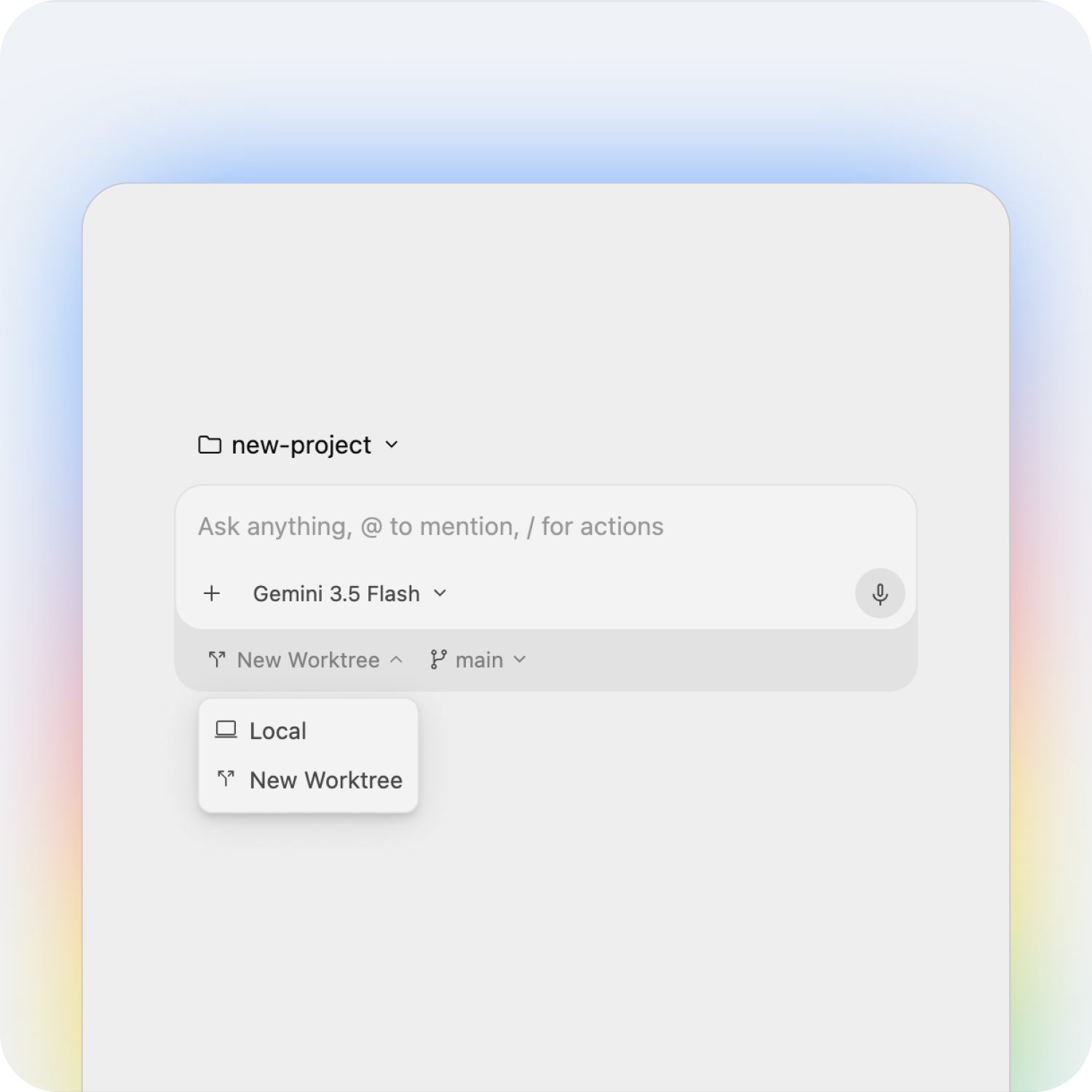
main, or an isolated New Worktree. Source: https://antigravity.googleYou'll see. An agent that plans, writes a working script plus a test, runs them, and keeps fixing errors on its own until the test passes — all from one instruction.
Cost. The For Individuals plan is free ($0/month): Gemini 3.5/3.1/3, Claude Sonnet & Opus 4.6 and gpt-oss-120b, unlimited tab-completions and command requests, with basic weekly rate limits. One task like this costs you nothing.
Takeaway. Antigravity flips the model: you hand over a whole task and an agent executes it end-to-end — plan, code, run, self-correct — instead of copy-pasting snippets.