Session 2
Give the agent tools: a Chatflow assistant
Goal. Build a single-agent chat assistant that can call tools and use your documents, not just chat.
▶ Try this prompt
When the user asks a factual question, search the web and cite your source; otherwise answer from the uploaded documents.
Flowise has three builder types — Assistant, Chatflow, and Agentflow. A Chatflow is a single agent with tool calling and RAG; that's what you use here.
- 1Start a Chatflow — Flowise's single-agent builder that supports tool calling and RAG together. Wire in your chat model as the agent's brain.
- 2Add a tool node and connect it to the agent so it can take an action (Flowise ships 100+ integrations across major LLMs, embedding models, and vector databases to choose from).
- 3Open the chat panel and ask a question that needs the tool. Watch the assistant decide to call it, then answer — a working tool-using agent built entirely by connecting nodes.
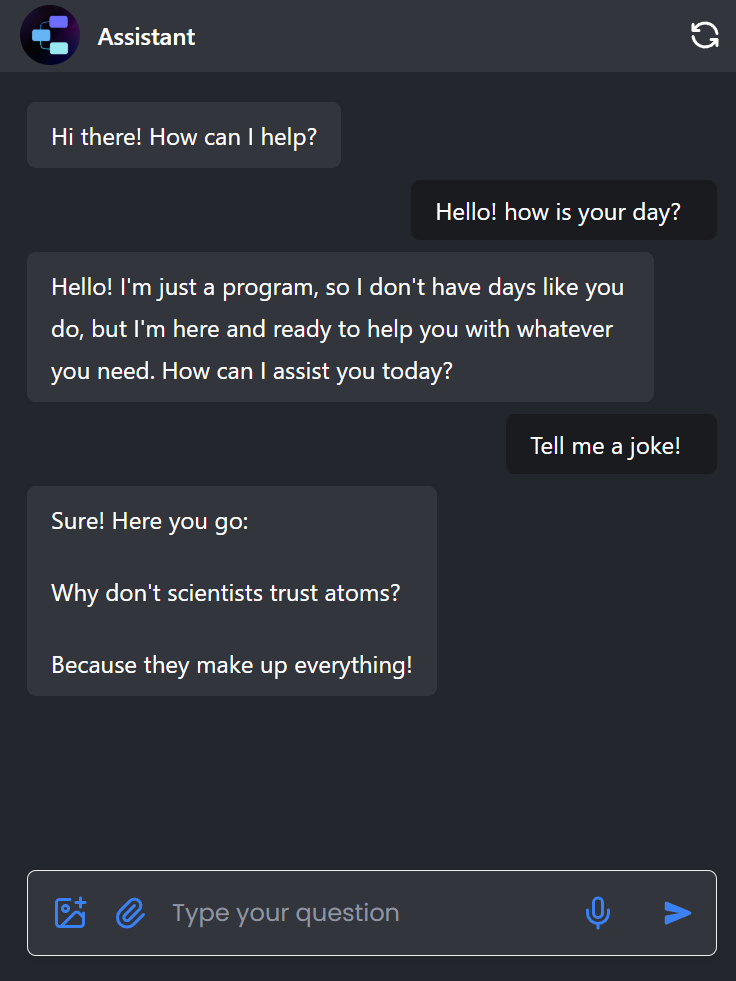
You'll see. A chat assistant that picks up a tool when it needs one and otherwise answers from your documents — one agent, real capabilities.
Cost. Runs against your 100 predictions/month on the Free plan; tool-calling turns spend extra LLM tokens billed by your provider.
Takeaway. A Chatflow is one capable agent: give it tools and documents and it decides when to use each.