Session 0
Start here: run your first agent
Goal. Install Langflow, open the Simple Agent template, and watch an agent reason and pick a tool in the Playground.
▶ Try this prompt
I want to add 4 and 4.
Open Langflow → New Flow → pick the Simple Agent template → paste an OpenAI API key → click Playground and type the line above.
- 1Install Langflow free — the easiest paths are the Desktop app or Docker; you can also use
pip/uvor run from source. It needs Python 3.10–3.14 and about 2GB RAM minimum. - 2Open Langflow, click New Flow, and choose the Simple Agent template. Paste an OpenAI API key into the model block (you bring your own key — Langflow itself is free).
- 3Click Playground, type "I want to add 4 and 4." and send. The agent shows its reasoning, picks the Calculator tool, and answers 8 — you watch it think step by step.
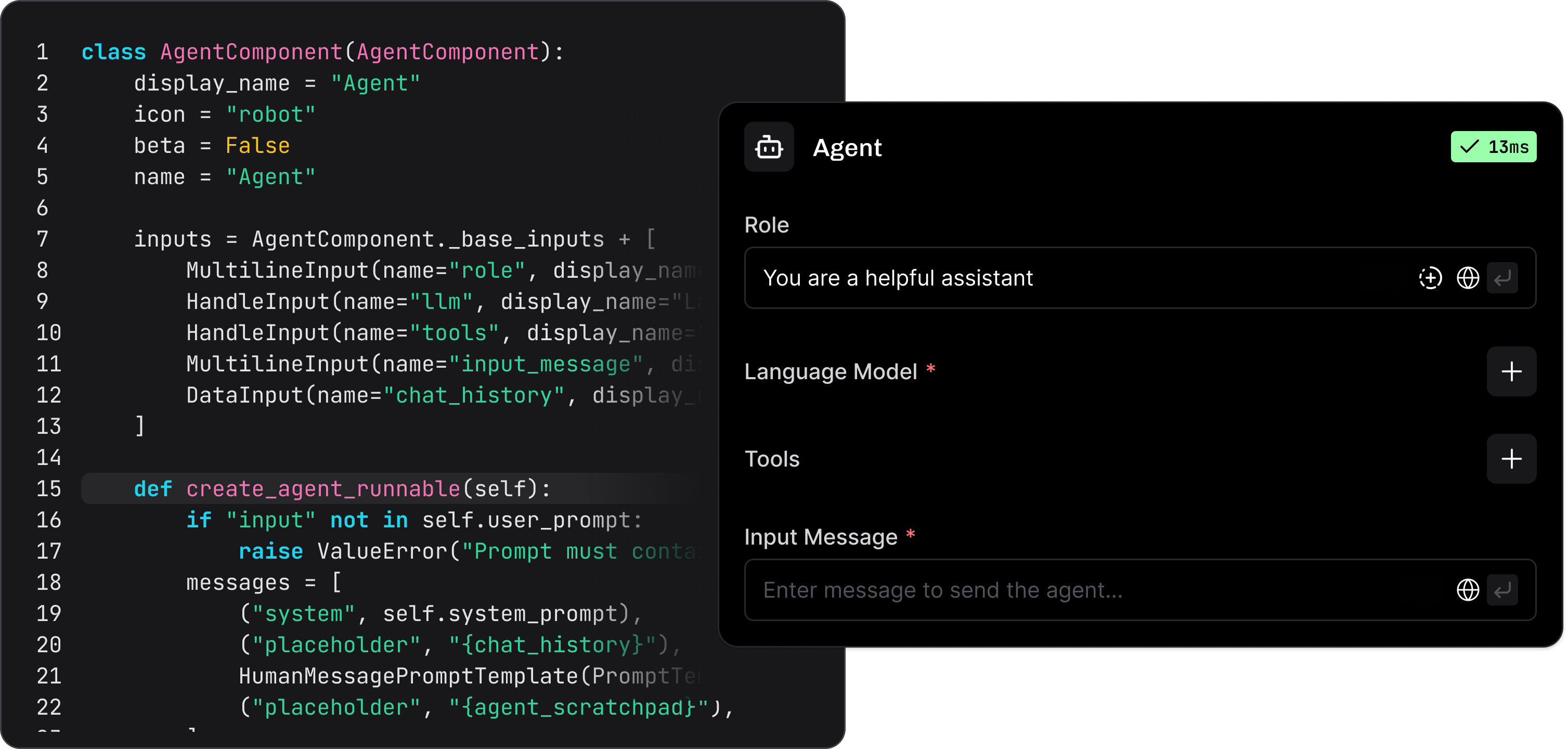
You'll see. A running agent that reasons out loud, chooses the Calculator tool, and returns 8 — assembled from a template without writing code.
Cost. Langflow is free and open-source (MIT) — you self-host it at no cost. You pay only your own infrastructure plus the LLM API key you bring (here, a few cents of OpenAI usage).
Takeaway. Langflow turns a template into a working, tool-using agent in minutes — free to run, your key, your machine.