Build a RAG chatbot over your own documents
Goal. Start from a ready-made template to build a chatbot that answers questions from your own PDF or website using retrieval-augmented generation (RAG).
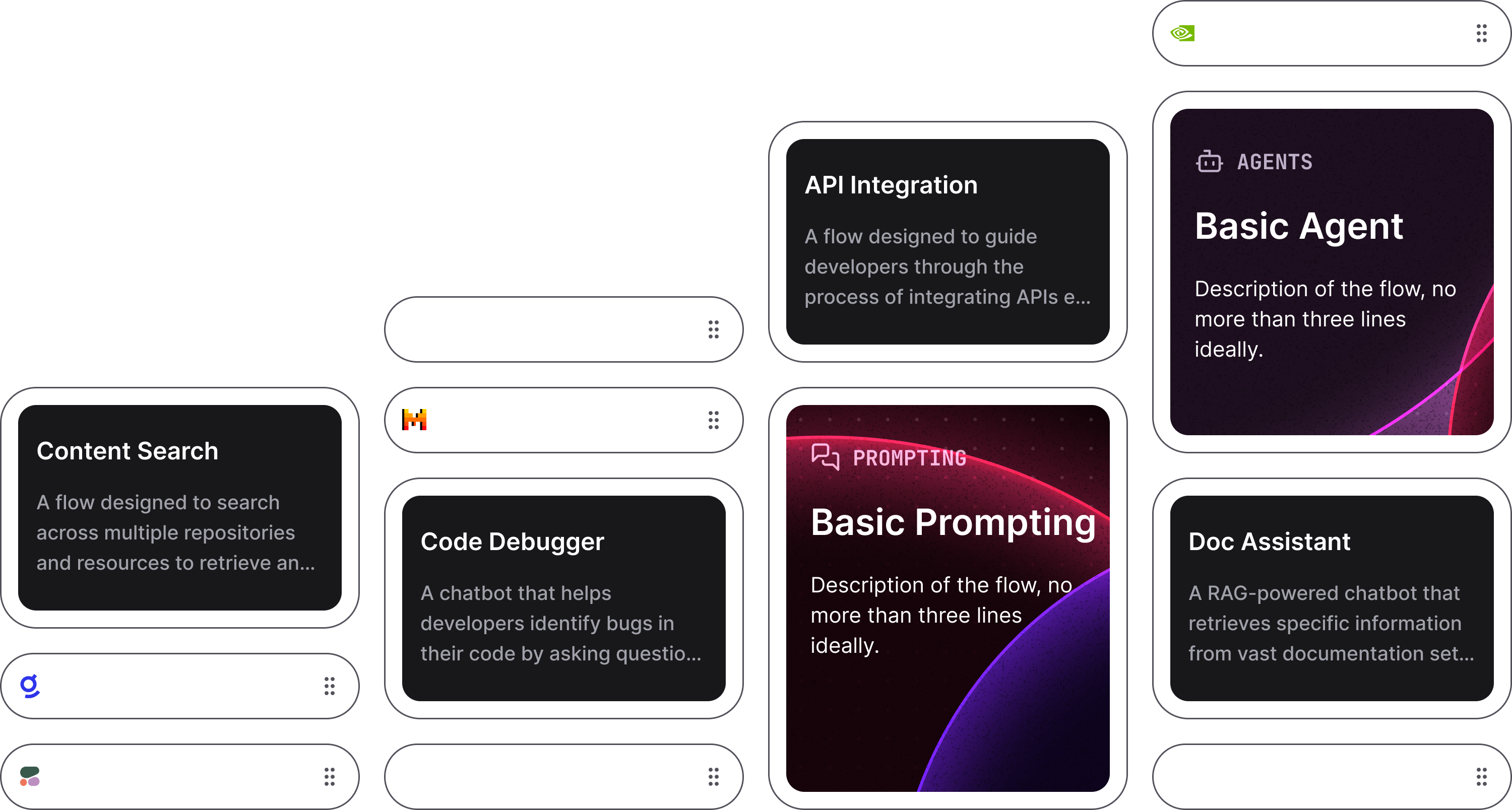
Open the template gallery, pick a document/RAG starter (e.g. Doc Assistant or Content Search), point it at one of your own PDFs, then ask it a question only that document can answer.
Templates give you a working flow to start from instead of a blank canvas — the gallery includes starters like Content Search, Code Debugger, Basic Prompting, Basic Agent and Doc Assistant.
- 1Open the template gallery and pick a document-grounded starter. RAG means the bot retrieves the relevant passages from your files first, then asks the model to answer using them — so replies are grounded in your content, not guesses.
- 2Load your own source — a PDF or a website — into the document block, then open the Playground and ask a question that only that document can answer.
- 3This is the pattern scientists use to chat with their own papers or datasets: the same flow generalises from one PDF to a whole folder, or to a literature-Q&A bot a lab can share.
You'll see. A chatbot that answers from your uploaded document — citing your content rather than the model's general knowledge.
Cost. Free to build and run; you pay only the LLM (and any vector-DB) usage when the bot answers. Templates save you from wiring the flow from scratch.
Takeaway. Templates turn a complex RAG pipeline into a starting point — load your documents and you have a grounded chatbot.