Session 5
Ship it: export your flow as an API or MCP server
Goal. Turn your finished flow into something others can call: export it as a REST API or an MCP server with one click.
▶ Try this prompt
Open the API dialog for your flow, copy the Python API snippet, and run it from your own machine to call your flow remotely.
The export dialog offers Run cURL, Python API, Python Code and JS API tabs — pick whichever fits how you'll call it.
- 1Open the flow's API dialog. Langflow exposes any flow as a REST API — the dialog hands you ready-to-run snippets in the Run cURL, Python API, Python Code and JS API tabs.
- 2Copy a snippet and run it from outside Langflow to confirm your flow responds as a service — now a script, a website, or a colleague can call it.
- 3You can also export the flow as an MCP server, so AI assistants and other tools can use it as a capability. A literature-Q&A bot or data-lookup assistant becomes something a whole lab can plug into.
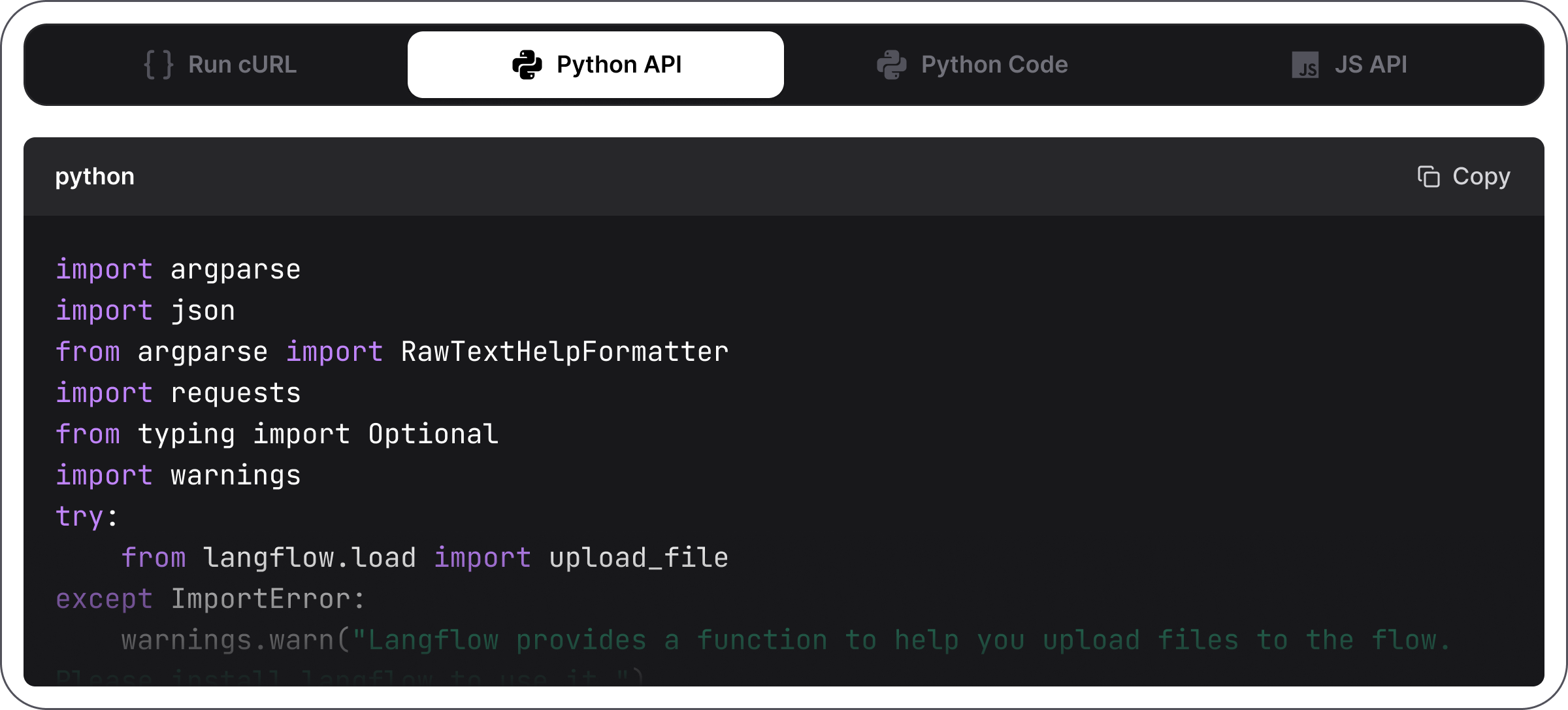
You'll see. Your flow answering a request made from outside Langflow — it's now a callable service, not just a canvas.
Cost. Free: exporting and self-hosting the API/MCP server costs only your own infrastructure plus the model usage per call.
Takeaway. One click turns a flow into a REST API or MCP server — what you built on the canvas becomes a service others can use.