Start here: plan, then your first prompt
Goal. Create a Lovable account and generate a full-stack app from one well-planned first prompt.
Build a personal task tracker web app. Users can add tasks with a title, due date, and status (todo / doing / done), see them in three columns, and mark them complete. Clean, modern design with a calm colour palette.
Before prompting, sketch the screens and who sees what — Lovable's docs say a specific, detailed first prompt beats a vague one.
- 1Go to lovable.dev, create an account (no credit card), and start a new project.
- 2Paste the detailed prompt above and let Lovable build — it generates a working React + TypeScript app live.
- 3Note your free budget: 5 credits/day (~30/month), resetting at midnight UTC. Plan before you prompt so you don't burn the day's credits on small tweaks.
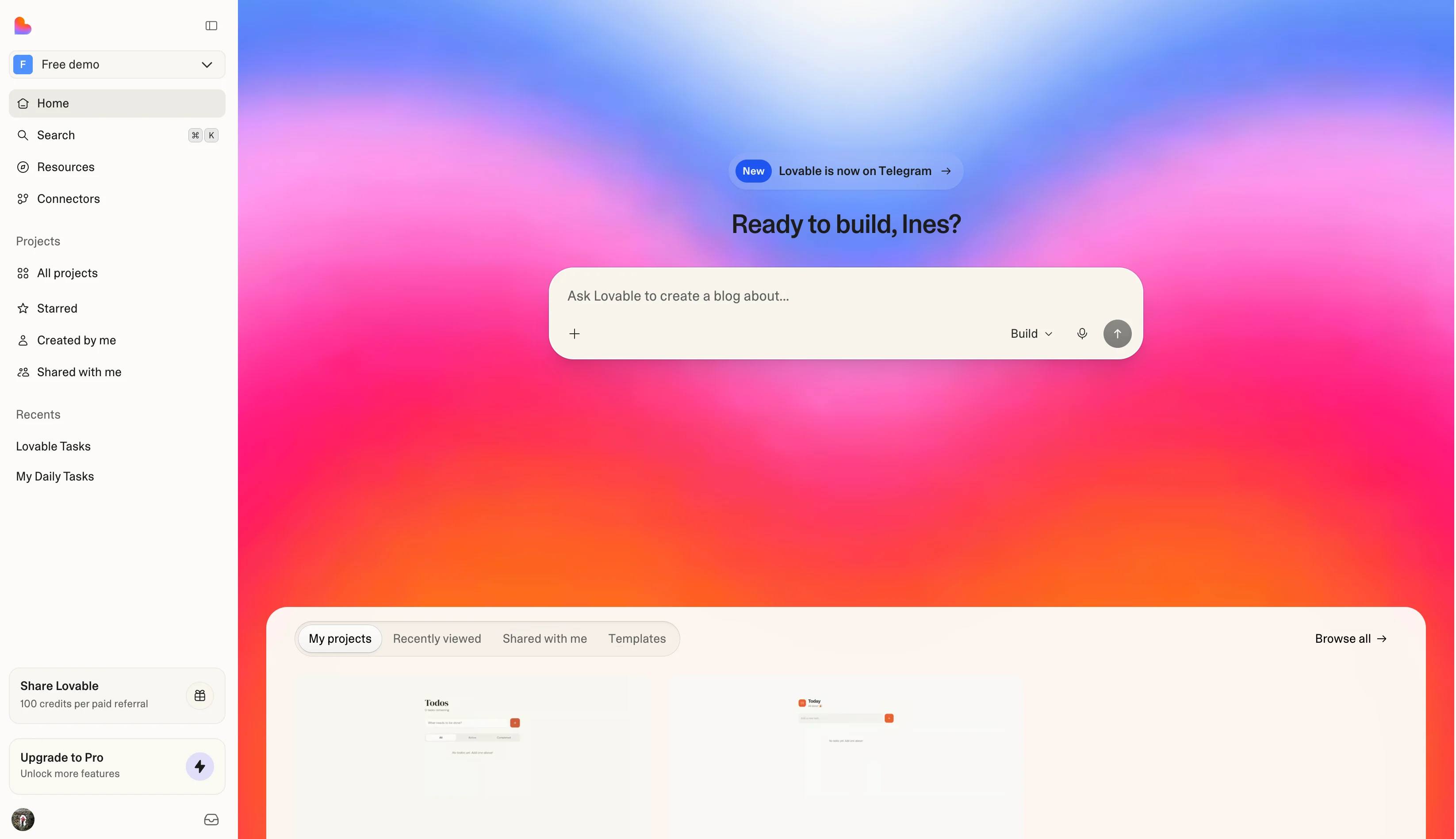
You'll see. A running multi-screen task app generated from a single, well-specified prompt.
Cost. Free = 5 daily / ~30 monthly credits; each chat build consumes credits. Front-load planning to make them count.
Takeaway. Lovable builds a full-stack React+TypeScript app by chat — and a strong, specific first prompt sets the whole project up.