Session 4
Edit visually + recover (Try to Fix / revert)
Goal. Style cheaply with the preview toolbar, and recover cleanly when a change goes wrong.
- 1Use the preview toolbar: pick a mode, point at an element, and describe the change — cheaper and more precise than re-prompting layout in chat. Inline text edits are free (up to 100/day); select and annotate modes use credits.
- 2If a change breaks something, click Try to Fix — Lovable scans the logs, finds the error, and attempts a fix. If a try or two doesn't clear it, stop repeating it and switch approach (plan the change, or revert) rather than digging the hole deeper.
- 3If it's still wrong, revert to a previous version from the version history — but remember the DB-revert caveat from Lesson 2.
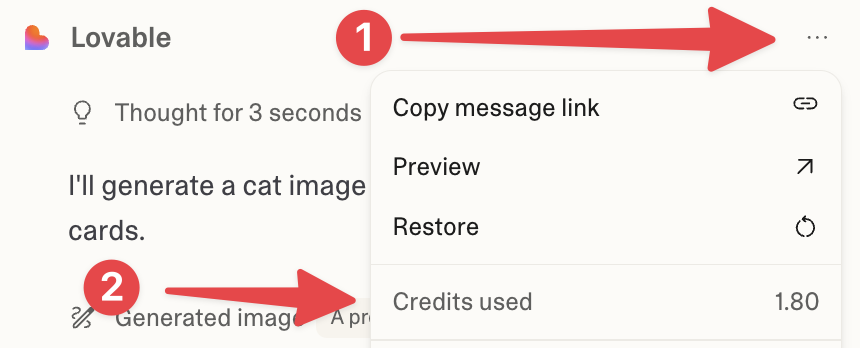
You'll see. Targeted visual edits applied, and a broken state recovered via Try-to-Fix or a version revert.
Cost. Inline text edits are free; select/annotate toolbar modes and chat fixes use credits. Reverting is free.
Takeaway. Know your recovery moves — Try-to-Fix, then revert — so you never get stuck pushing a broken build forward.