Session 9
Own the code: GitHub sync
Goal. Connect your project to GitHub and confirm you hold real, portable Next.js code.
- 1Connect GitHub to your chat. v0 automatically works on a branch off
main, keeping main protected, and you create and merge pull requests without leaving v0. - 2Pushing to the connected repo deploys automatically (CI/CD), and you can import an existing GitHub repo into v0 too.
- 3Open the repo on GitHub and browse the actual Next.js / React + Tailwind source — including the database and integration wiring. Clone it and keep building in any editor; the code is yours.
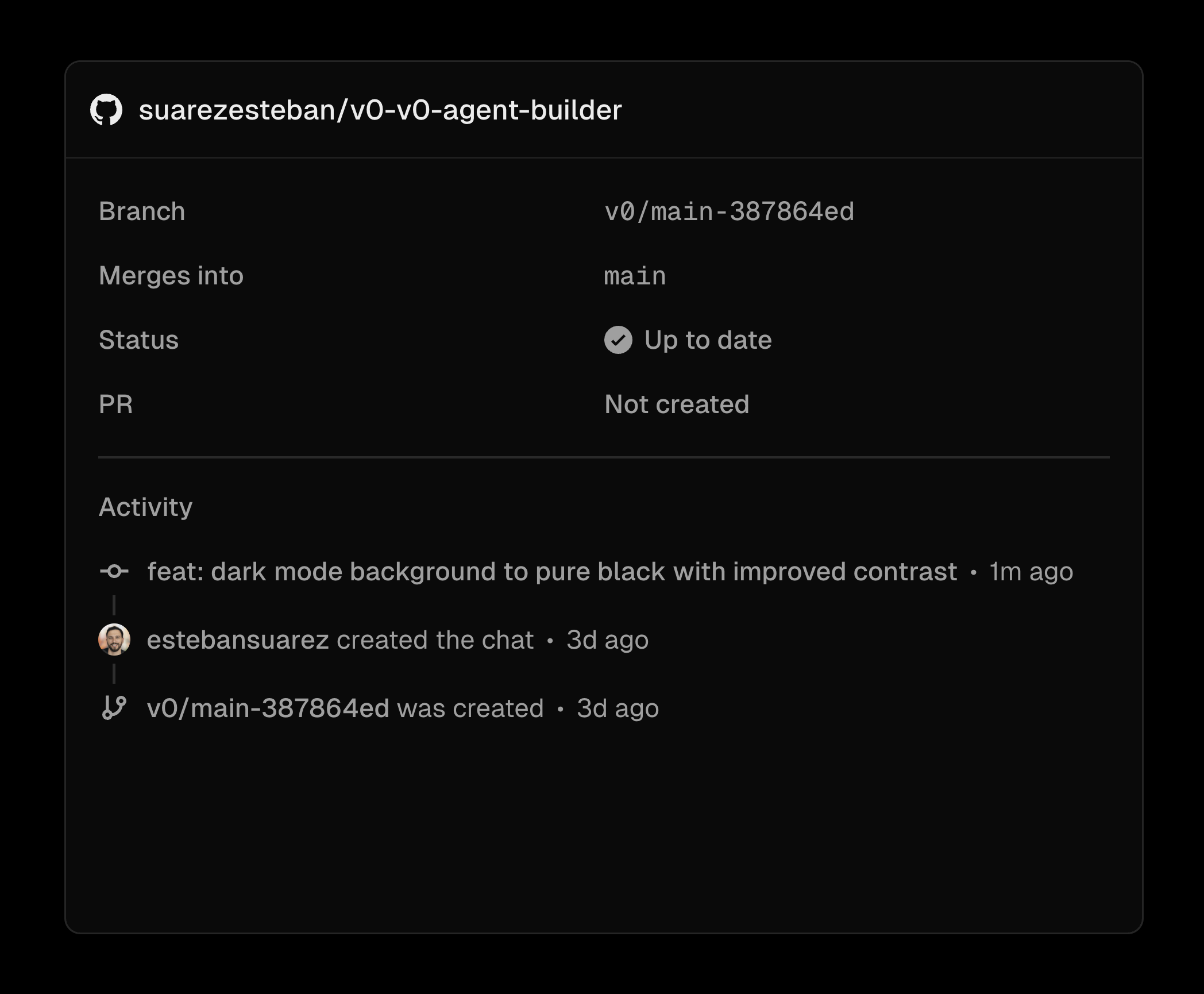
You'll see. Your app as a real GitHub repo of standard Next.js code you can run, edit and deploy anywhere.
Cost. GitHub sync is included on the free plan; a free GitHub account is all you need.
Takeaway. v0 is a starting point, not a walled garden — you finish owning production-grade, portable code.