Session 6
Add AI features (no API keys)
Goal. Put real AI inside your app — summaries, chat, classification — without creating a model account or pasting keys.
▶ Try this prompt
Add an 'AI care tips' button to each plant card that generates 3 short care tips for that plant.
By default v0 uses the Vercel AI Gateway to reach AI models — no setup or API key required.
- 1Describe the AI feature like the prompt above. v0 builds it against the Vercel AI Gateway, which it's pre-configured to use — you don't create a provider account.
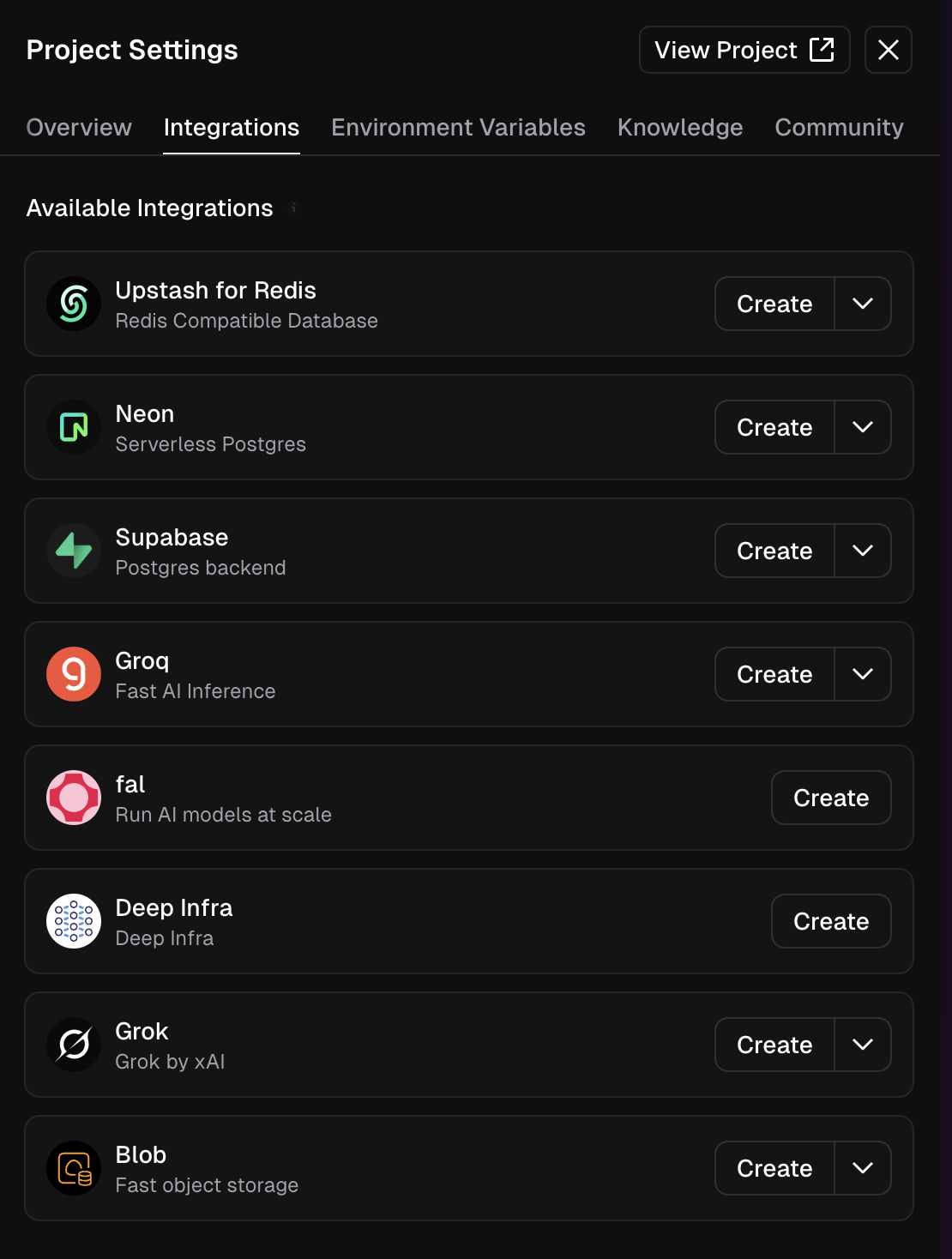
- 2Want a specific provider? From Project Menu ⋯ → Integrations you can add AI platforms like fal or Deep Infra, or connect Grok by xAI, from the Marketplace.
- 3During setup you can set spend limits and auto-top-ups so an AI feature can't run away with your budget. To use a third-party model directly (e.g. OpenAI), add its key as an environment variable instead.
You'll see. An AI-powered feature running inside your app with no model account to manage.
Cost. AI usage is billed through the gateway by what the model consumes — set a spend limit during setup to stay in control.
Takeaway. v0 bundles model access via the AI Gateway — describe the AI feature and it's wired, no keys to juggle.