Session 7
Connect anything: APIs, integrations & MCP
Goal. Wire your app to outside services — third-party APIs, marketplace integrations, and MCP tools.
▶ Try this prompt
Show today's weather for the shop's city in the header, using a weather API.
Store the API key as an environment variable; your app code calls the service with it.
- 1External APIs: add keys under Project Menu ⋯ → Environment Variables, choosing which environment (Development / Preview / Production) each applies to — the preview only sees Development variables.
- 2Marketplace integrations: the same Integrations marketplace that adds databases and AI also connects other services, each adding its environment variables automatically.
- 3MCP: connect Model Context Protocol servers to give v0's agent extra tools — either bring your own MCP server (or a preset) or use MCP tools from installed Marketplace integrations.
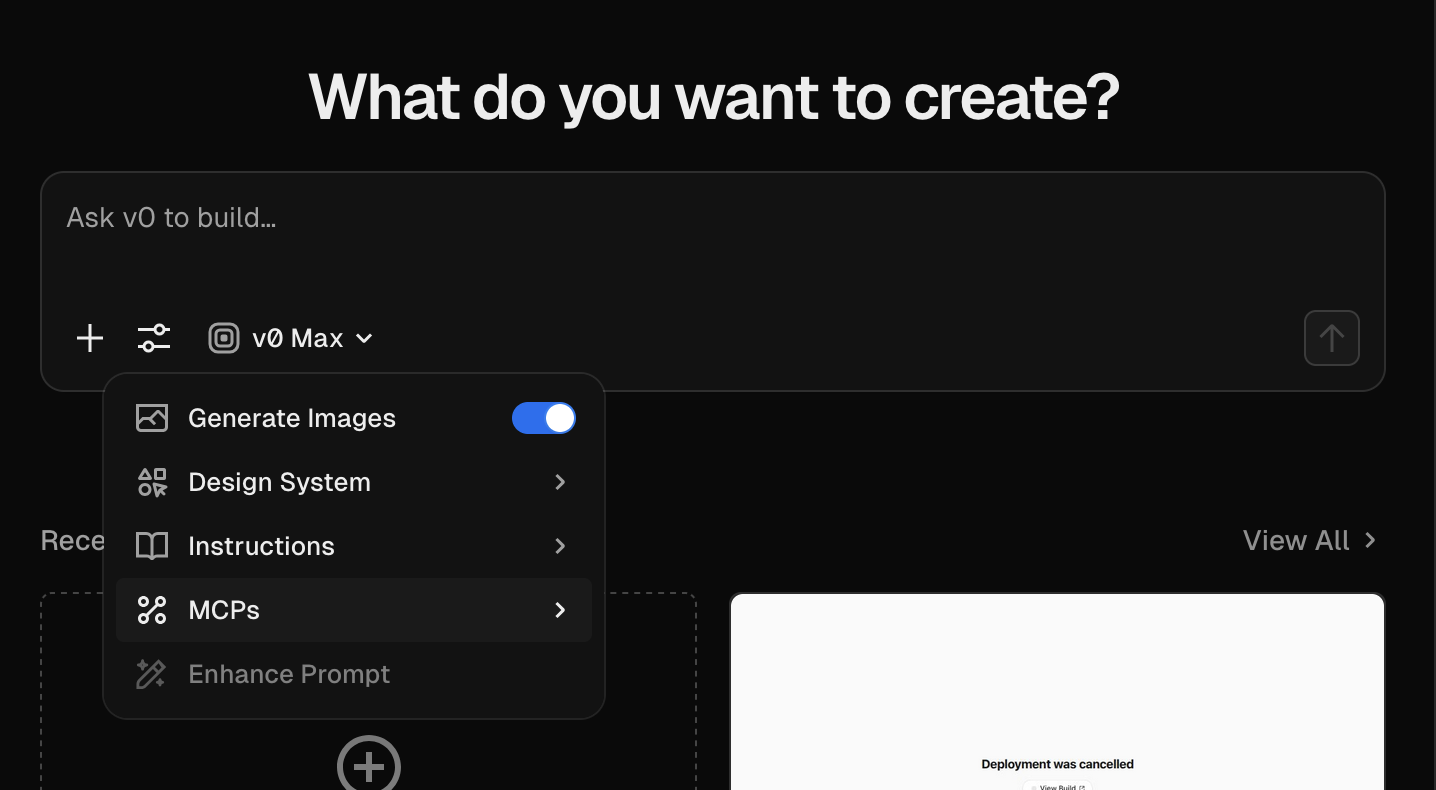
You'll see. Your app calling a live external service, with keys kept in environment variables per environment.
Cost. You pay each external provider directly; building the feature spends normal messages.
Takeaway. Integrations are description-first — keys live in env vars, and MCP lets the agent reach your own tools and data.