Course track T08
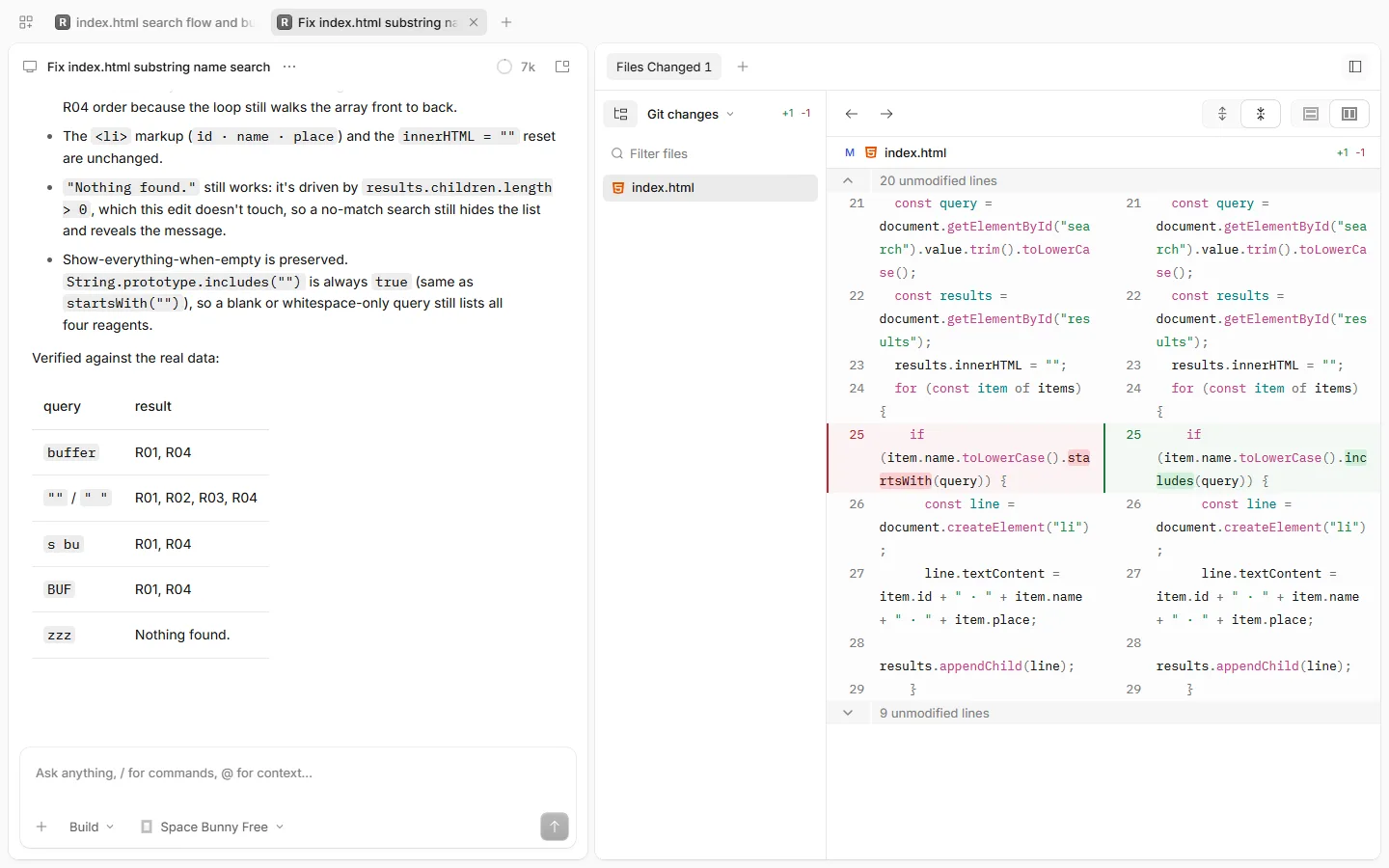
OpenCode
Let an AI agent change your code and files, read every change before you keep it, and undo it in one step.
Pick it when: Code in a Git repository: plan first, then a diff you can undo.
Resource library
A harness is the program around an AI model that lets it read your files, run commands and change things, and asks you first. Each page shows how to set one up safely and when to pick it.
Let an AI agent change your code and files, read every change before you keep it, and undo it in one step.
Pick it when: Code in a Git repository: plan first, then a diff you can undo.
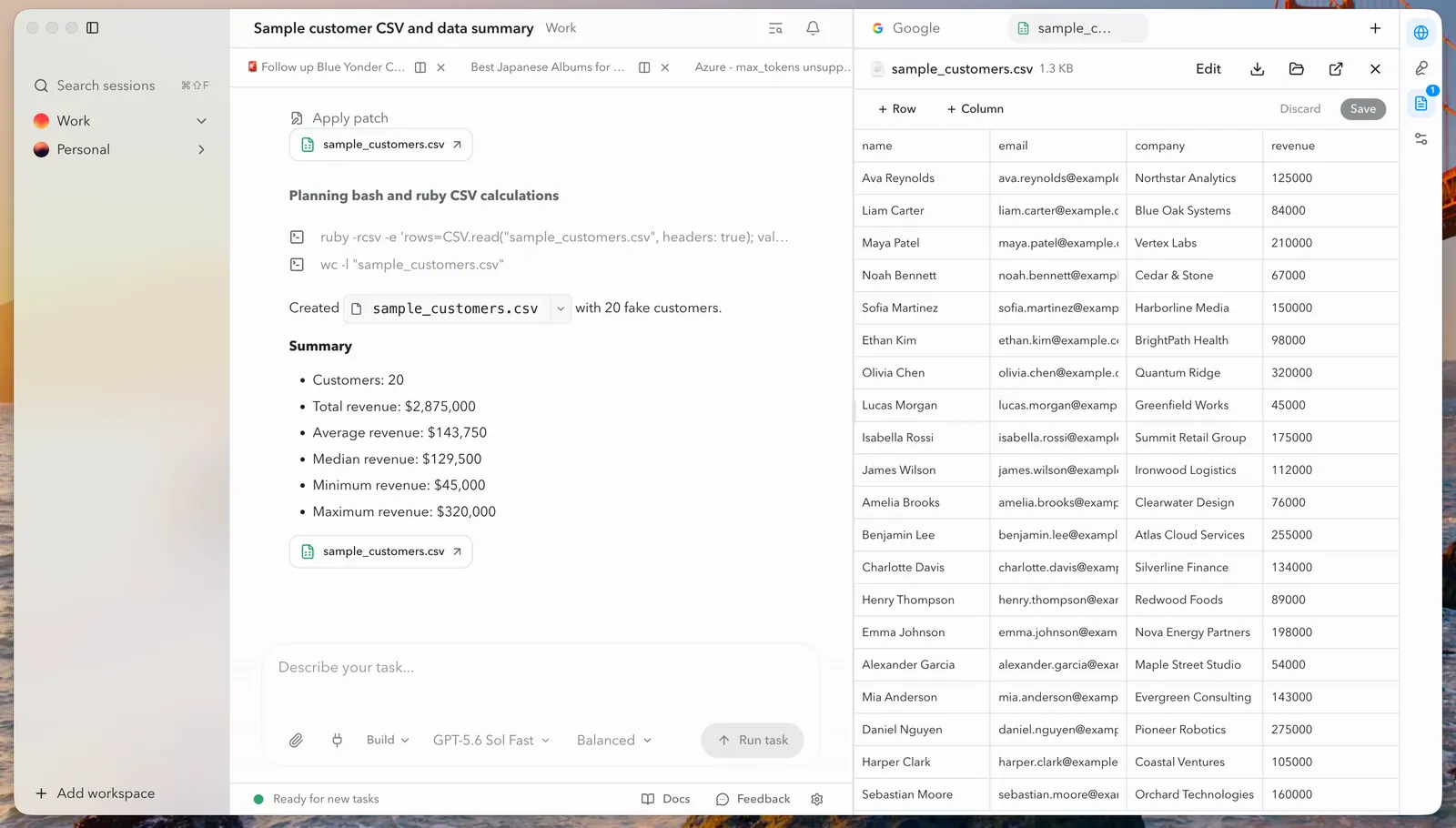
Let an AI agent read the files in one folder, write new ones, and ask you before it changes anything.
Pick it when: Documents and spreadsheets in a folder, on the same engine, without a terminal.
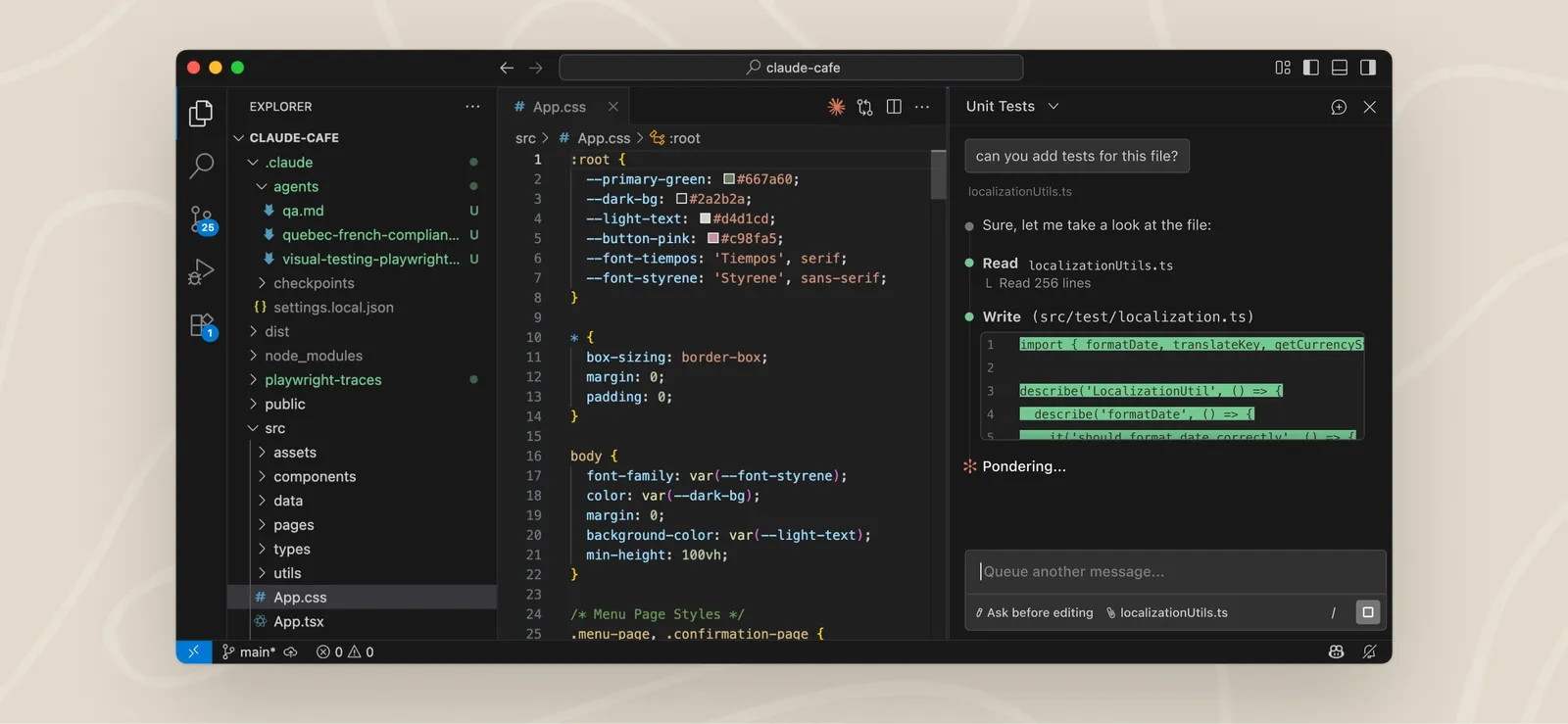
Let Claude change the files in a project folder, approve each step it takes, and take any change back.
Pick it when: You already pay for Claude: one agent in the terminal, the desktop app and VS Code.
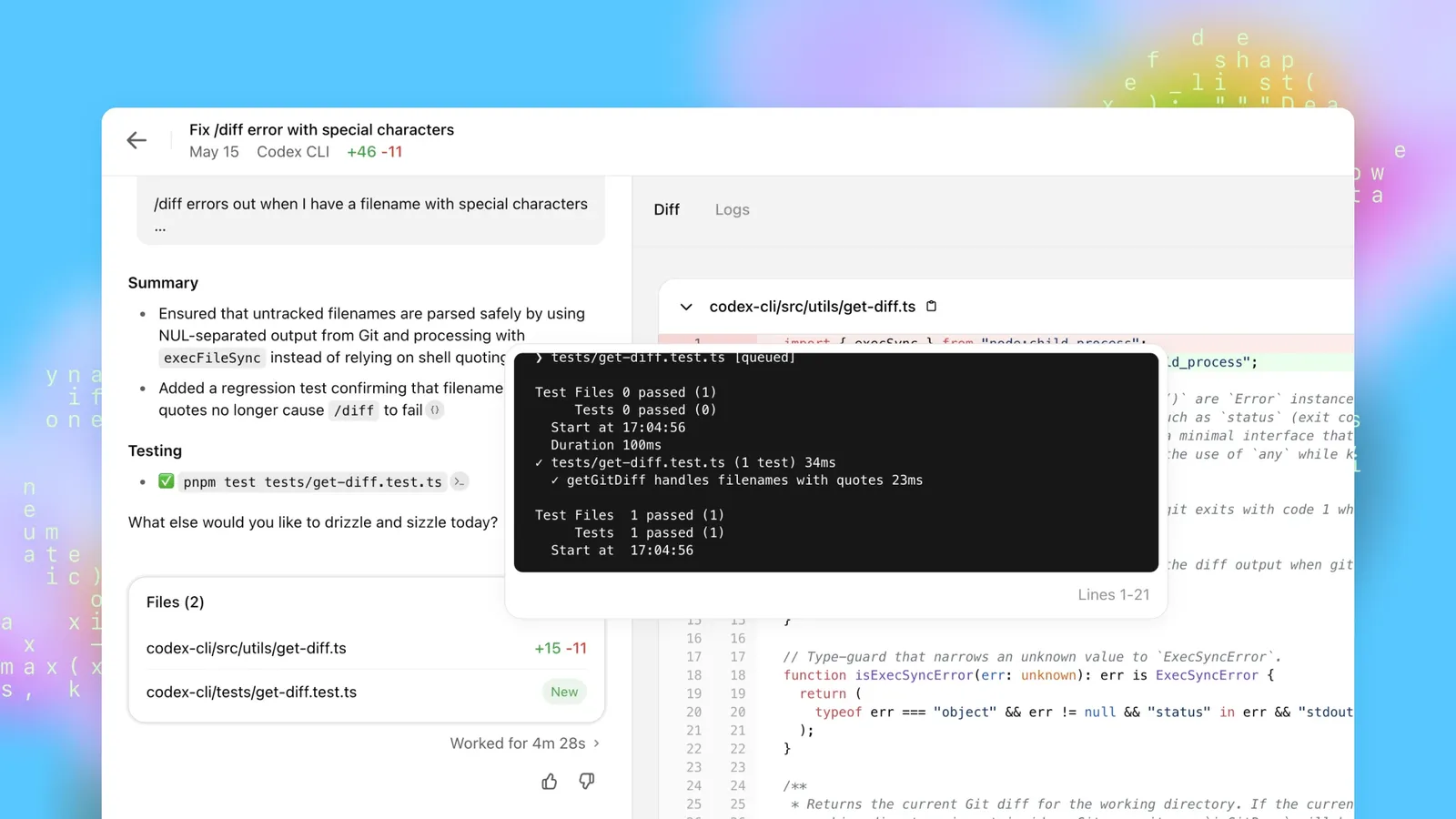
Let OpenAI’s coding agent change the files in a project folder, read every change before you keep it, and undo it with Git.
Pick it when: You already pay for ChatGPT: one account runs Codex in the app, the terminal and the cloud.
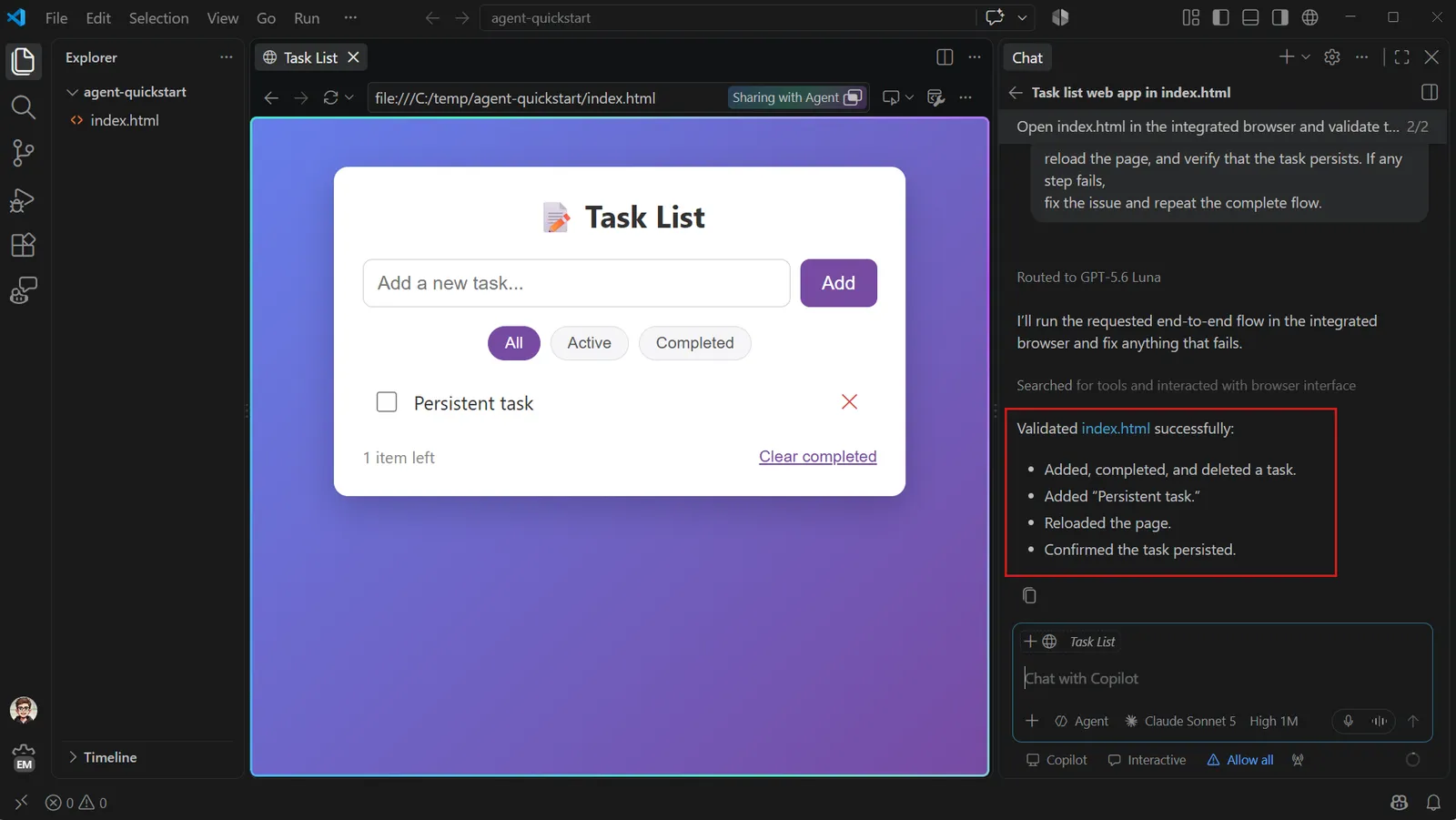
Let GitHub’s agent change the files in a project folder from inside VS Code, read every change, and undo it with a checkpoint or Git.
Pick it when: You already work in VS Code, or get Copilot free through GitHub Education: one GitHub sign-in and a free plan to start.
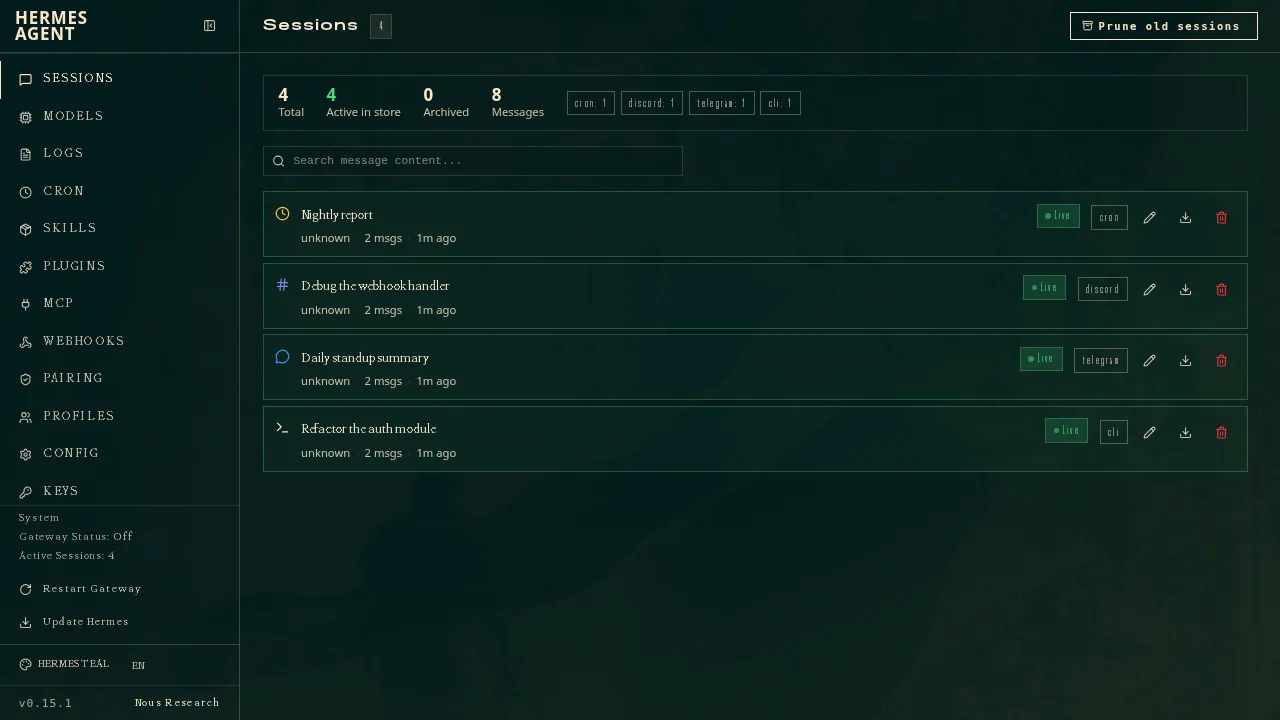
Work with an AI agent in a desktop app that remembers how you work, and read every change before you keep it.
Pick it when: A desktop agent that remembers you and learns skills, with a free model to start.